Where to buy

ShipIt on the Unity Asset Store.

Every ShipIt toolkit sells through the Unity Asset Store, which handles checkout, licensing and refunds under Unity's terms. One toolkit is on the store today; the other three are in pre-release.

Four toolkits, one store.

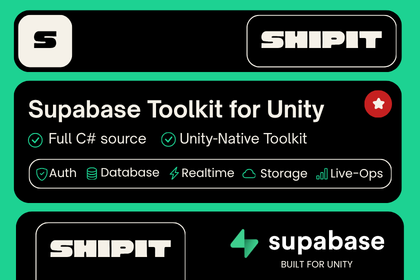
Supabase Toolkit card listing Auth, Database, Realtime, Storage and Live-Ops.
On the Asset Store

Unity Supabase Toolkit

Full C# source, editor tools, 38 backend packs and a self-hostable live-ops console, against your own Supabase project.

Setup ~10 min · v1.53.0 · Unity 2022.3 LTS and Unity 6 · Tools / Network

Checked Oct 9, 2026: the Asset Store listing shows v1.52.0. Confirm the current download version on the listing.
Make sure it fits your project.

Check the Unity floor

The Supabase, AWS and License toolkits need Unity 2022.3 LTS or newer. The Firebase toolkit needs Unity 6.3 LTS.

Bring your own backend

The backend toolkits connect to a Supabase, AWS or Firebase project you own. That provider bills its usage to you under its own terms; ShipIt charges nothing beyond the package.

Read the limits

Every product page lists what the toolkit does not do. If a limit matters to your game, ask before you buy.

After you buy

Download and import from your Asset Store purchases in the Unity Package Manager. Updates to a toolkit are free for existing buyers.

Support

One address for every toolkit: shipit.unity@gmail.com. Include your Unity version, the toolkit version and the first console error.